
MANAGED PRINT
Managed print for businesses and schools in Meath
Printers, copiers and scanners supplied, installed and managed by our team, kept secure and supported alongside the rest of your IT, so printing takes up less of your team’s time. Printers are quoted in your proposal.
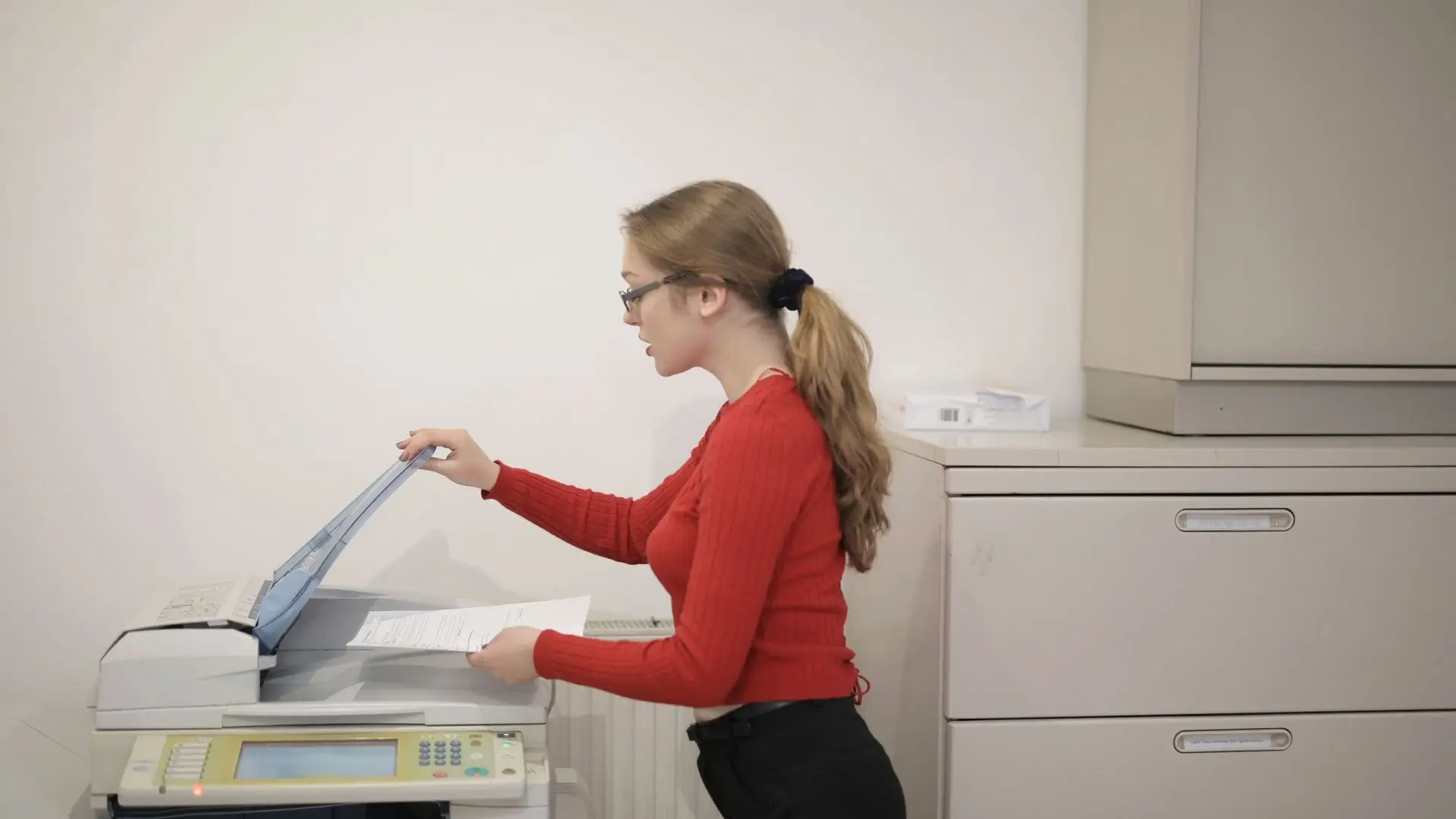
Print problems we help solve
Printers that drop off the network
A printer that worked yesterday disappears, and everyone queues at the one that still works.
Scanning that keeps breaking
Scan to email or scan to folder stops working after a password or settings change.
A mix of models and suppliers
Different printers, toner types and supplier arrangements across the office make costs hard to track.
Printers left out of security checks
Printers connect to your network and can store documents, yet they’re often left on default settings and never updated.
What’s included
Printers supplied and installed
Printers and multifunction devices supplied, installed on your network and set up on staff devices, so everyone prints to the right place.
Scan to email and folders
Scanning configured to send documents to email or to OneDrive and SharePoint folders, set up so it’s easier to keep running.
Printer security
Default admin passwords changed and firmware kept up to date on the printers we supply and manage.
Secure release and usage reports
Where your devices support it, release at the printer for confidential documents and usage reports by user or department.
Ongoing management
We manage the printers we supply and install, including their settings, security and the devices that print to them.
Helpdesk support
Print issues can be raised with our helpdesk, just like any other IT problem.
How managed print works
1. Review your printing
We look at how your team prints and scans, and where printers are needed.
2. Recommend
We recommend the right printers for us to supply and install, with costs in a written proposal.
3. Supply and set up
We supply and install your printers, configure printing and scanning, and secure the devices.
4. Manage and support
We manage the printers we’ve supplied, print problems go through our helpdesk, and we review your setup as your needs change.
How managed print fits with our packages
Printers, installation and print management are quoted separately in your proposal. Silver and Gold cover the computers and accounts that print and scan:
- Silver: remote support for staff laptops and PCs, including printing from them
- Gold: everything in Silver, plus unlimited on-site call-outs as needed, and Microsoft 365 admin and support, useful for scanning to email, OneDrive and SharePoint
- Printers, installation and print management: quoted in your proposal
We manage the printers we supply and install, so one team is responsible for the devices, their setup and their support.
Two packages, priced per user
Gold
From €70
per user/month, excluding VAT
- Everything in Silver
- Unlimited on-site call-outs as needed
- Email security and phishing awareness training
- Microsoft 365 admin and support
- 24/7 security monitoring by our security operations centre, which handles threats detected out of hours and notifies us
- Application control, leaked-password alerts and a business password manager
Silver
From €45
per user/month, excluding VAT
- Remote support, monitoring and patching
- Antivirus and endpoint detection and response (EDR)
- Ransomware protection
- Microsoft 365 backup (email, OneDrive and SharePoint)
You can mix the two, with Gold for most staff and Silver for lighter users. Microsoft 365 licences are charged separately and are not included in either package.

A local team you can talk to
Based in Hurdlestown, Co. Meath, our team combines everyday IT support, ongoing security reviews and practical planning. You’ll know who looks after your systems and who to contact when you need help.
Helpdesk
Monday to Friday, 9am to 5:30pm. After-hours emergency support is available at an extra cost, via a dedicated mobile number and email.
24/7 security monitoring
Included in Gold and separate from the helpdesk: our security operations centre watches for threats around the clock, handles any it detects out of hours and notifies us.
Managed print: your questions answered
Is managed print included in Silver or Gold?
No. Printers and print management are quoted separately. Silver and Gold cover support for the laptops and PCs staff print from.
Do you supply printers?
Yes. We supply and install printers and multifunction devices, and manage them once they’re in place.
Can you manage the printers we already have?
We manage the printers we supply and install, so we know every device and can take full responsibility for its setup, security and support. We’ll recommend and supply printers that suit how your team works.
Why does scan to email keep breaking?
It often stops working after an email security change or a password change on the account it uses. We set it up in a way that’s secure and easier to keep running.
Are printers really a security risk?
They can be. Printers connect to your network, may store copies of documents and are often left with default admin passwords. Keeping them updated and locked down reduces that risk.
Can we control printing costs?
Where your devices support it, usage reports and sensible defaults, such as double-sided and black-and-white printing, help you see and reduce what’s printed.
Printing in your sector
Printing and copying for school offices and staff rooms.
Secure printing for confidential client documents.
Scanning receipts and client paperwork.
Talk to Michael about printing
Tell us how your team prints and scans, and what keeps going wrong. We’ll recommend the right printers and set out the costs clearly.